



Overview
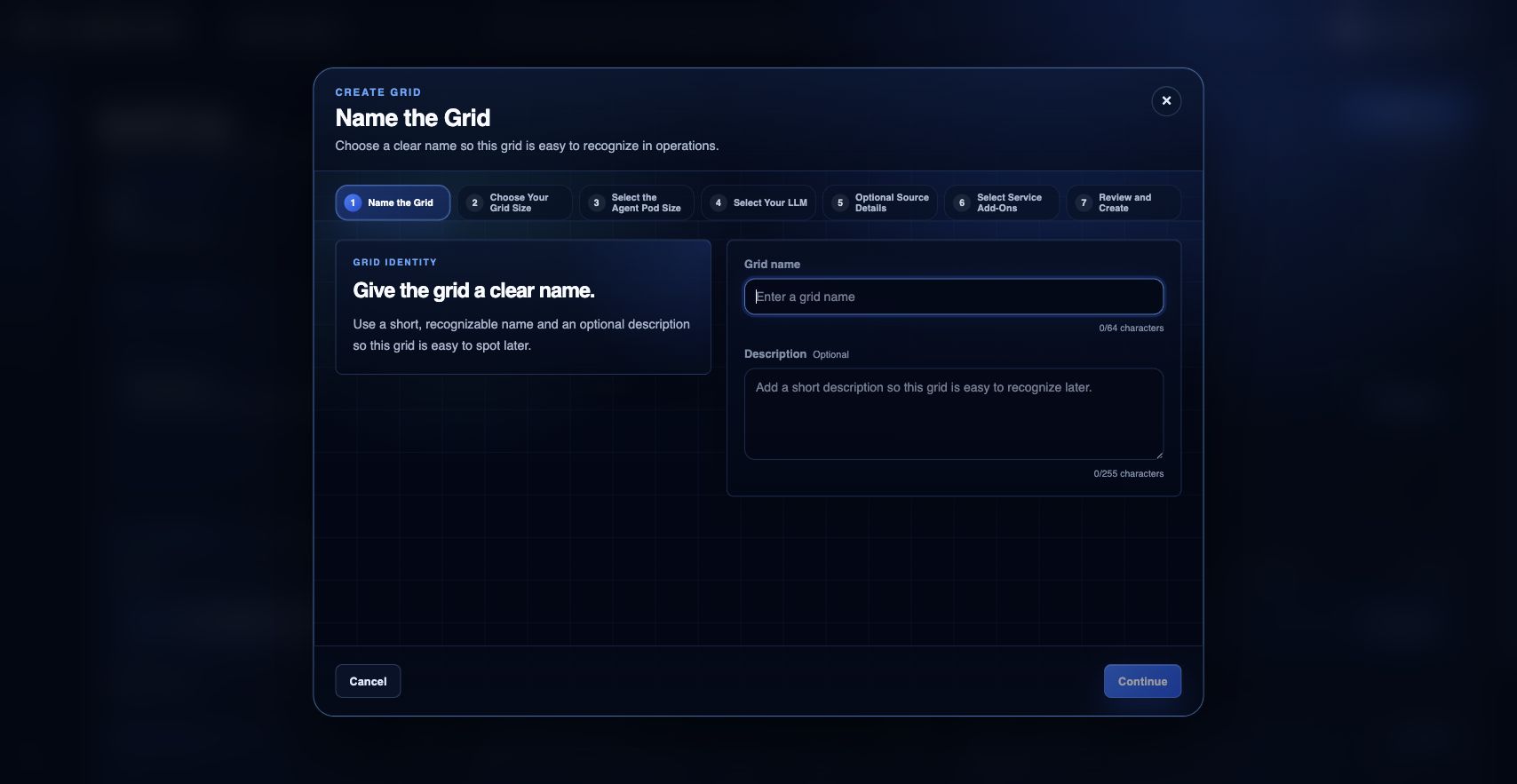
The New Grid Wizard is the simple path for creating a single grid. It remains useful for basic launches, while Grid Designer is the preferred environment for modeling Grids, Workflows, and Swarms together before deployment.
What you can do
- Name the grid, choose size, and pick runtime pod capacity.
- Select the LLM/runtime profile that should be used for the grid.
- Optionally attach a GitHub source and marketplace add-ons before review.
Recommended workflow
- Open the wizard and name the grid with a customer-recognizable name.
- Choose grid and runtime pod sizes that match the workload shape.
- Select the LLM/runtime option and add any optional GitHub source details.
- Review add-ons, confirm the summary, and create the grid.
Limits and expectations
- Use Grid Designer instead when the work includes multiple connected components, workflows, swarms, or deployment packaging.
- Private GitHub source tokens are not displayed after submission and are used for runtime retrieval.
- Launch can still be blocked by subscription, quota, or role eligibility.
FAQ
Is the wizard still the main way to build EngineGrids solutions?
No. The wizard is still supported for simple grids, but Grid Designer is the primary authoring experience for modeled customer solutions.
What if I cannot complete this workflow?
Confirm the active organization, subscription, and role. If the page still does not explain the blocked state, open Support Center with the route, affected resource, expected outcome, and a screenshot that does not include secrets.