



Overview
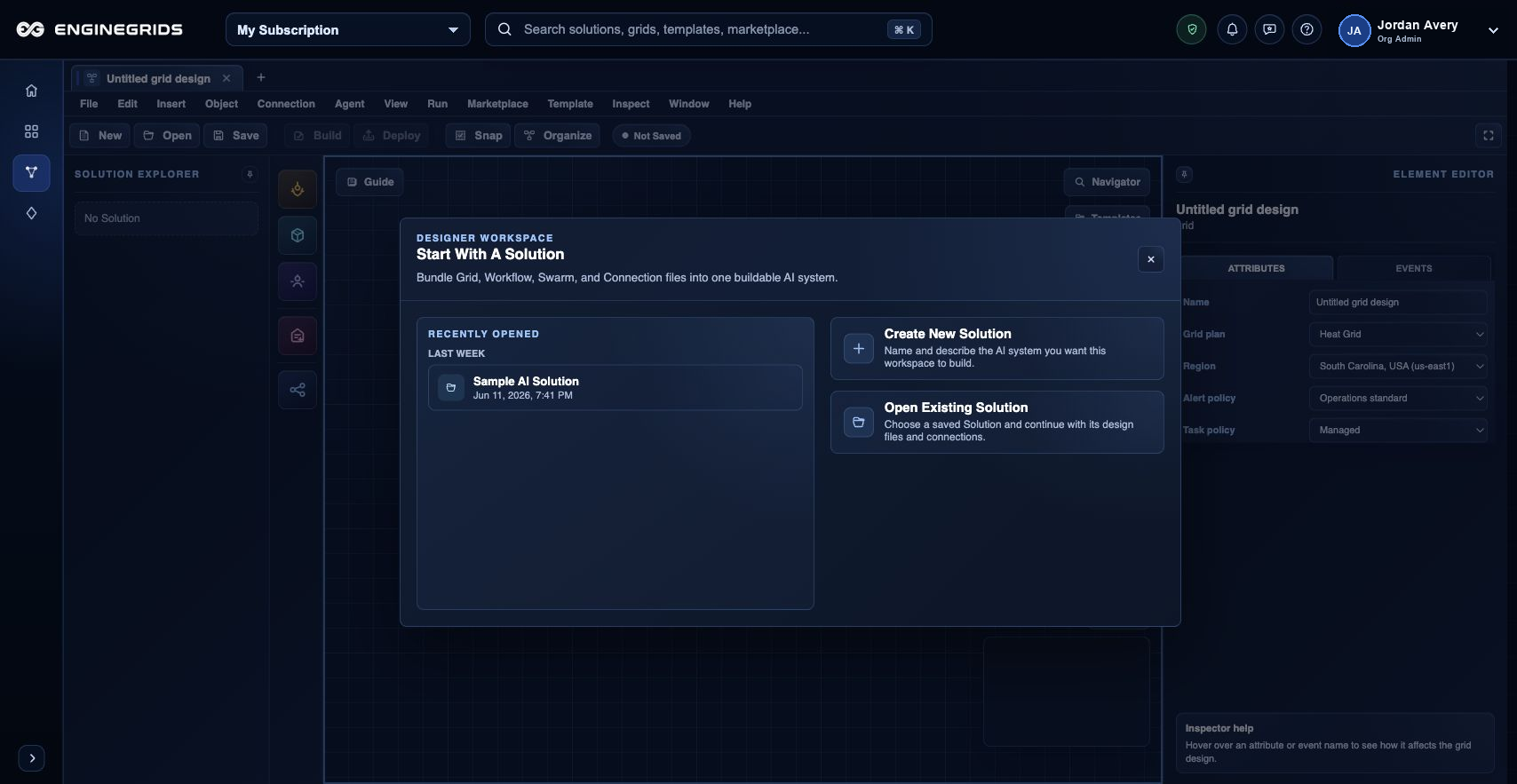
Grid Designer is the customer-facing workspace for modeling EngineGrids solutions. It lets you assemble the grid topology, workflow steps, swarm handoffs, runtime intent, and launch artifacts before deploying the modeled solution.
What you can do
- Create or open a design document for the solution you want to model.
- Place grid, workflow, agent, service, and swarm elements on the canvas.
- Validate the design before deployment or marketplace publication request.
Recommended workflow
- Open Grid Designer from the Grids area.
- Add elements from the toolbox and connect them to describe the intended flow.
- Configure each selected element using the editor panel.
- Run validation and resolve warnings before deployment or publication.
Limits and expectations
- Invalid topology, missing configuration, or incompatible runtime choices can block deployment.
- Designer documents are scoped by organization and customer permissions.
- Secrets and private source credentials should be provided through supported runtime and source controls, not pasted into free-form notes.
FAQ
What is the difference between Grid Designer and the New Grid Wizard?
The wizard creates a basic grid through a guided sequence. Grid Designer models the larger solution: grids, workflows, swarms, runtime relationships, deployment readiness, and marketplace publication intent.
What if I cannot complete this workflow?
Confirm the active organization, subscription, and role. If the page still does not explain the blocked state, open Support Center with the route, affected resource, expected outcome, and a screenshot that does not include secrets.