



סקירה
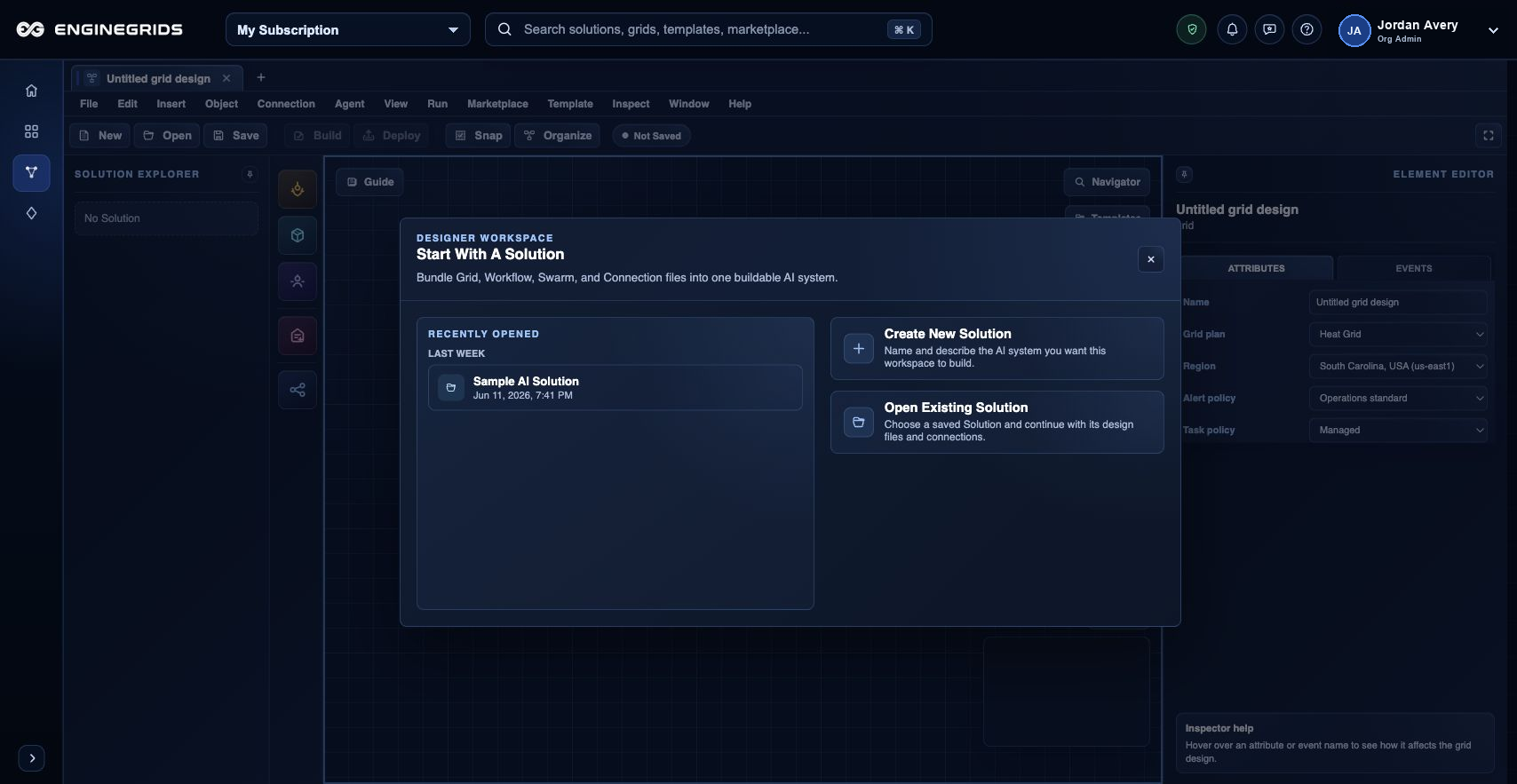
Grid Designer הוא מרחב העבודה מול לקוחות למידול EngineGrids solutions. הוא מאפשר להרכיב grid topology, workflow steps, swarm handoffs, runtime intent ו-launch artifacts לפני פריסת ה-modeled solution.
מה אפשר לעשות
- ליצור או לפתוח design document עבור ה-solution שרוצים למדל.
- למקם grid, workflow, agent, service ו-swarm elements על הקנבס.
- לבצע validation לתכנון לפני deployment או marketplace publication request.
תהליך עבודה מומלץ
- פתחו את Grid Designer מאזור Grids.
- הוסיפו elements מה-toolbox וחברו אותם כדי לתאר את ה-flow המיועד.
- הגדירו כל element שנבחר באמצעות editor panel.
- הריצו validation ופתרו warnings לפני deployment או publication.
מגבלות וציפיות
- Invalid topology, missing configuration או incompatible runtime choices יכולים לחסום deployment.
- Designer documents מוגבלים לפי organization והרשאות customer.
- secrets ו-private source credentials צריכים להינתן דרך runtime ו-source controls נתמכים, ולא להידבק ב-free-form notes.
שאלות נפוצות
מה ההבדל בין Grid Designer לבין New Grid Wizard?
ה-wizard יוצר basic grid ברצף מונחה. Grid Designer ממדל את ה-solution הרחב יותר: grids, workflows, swarms, runtime relationships, deployment readiness ו-marketplace publication intent.
מה אם אי אפשר להשלים את התהליך?
ודאו שהארגון, ה-subscription והתפקיד הפעילים נכונים. אם הדף עדיין לא מסביר את המצב החסום, פתחו את Support Center עם הנתיב, המשאב המושפע, התוצאה הצפויה וצילום מסך שאינו כולל סודות.