



Overview
Runtime controls are where customers inspect operational health and perform allowed runtime actions for deployed grids. Use them after you have selected the correct grid and understand the current state.
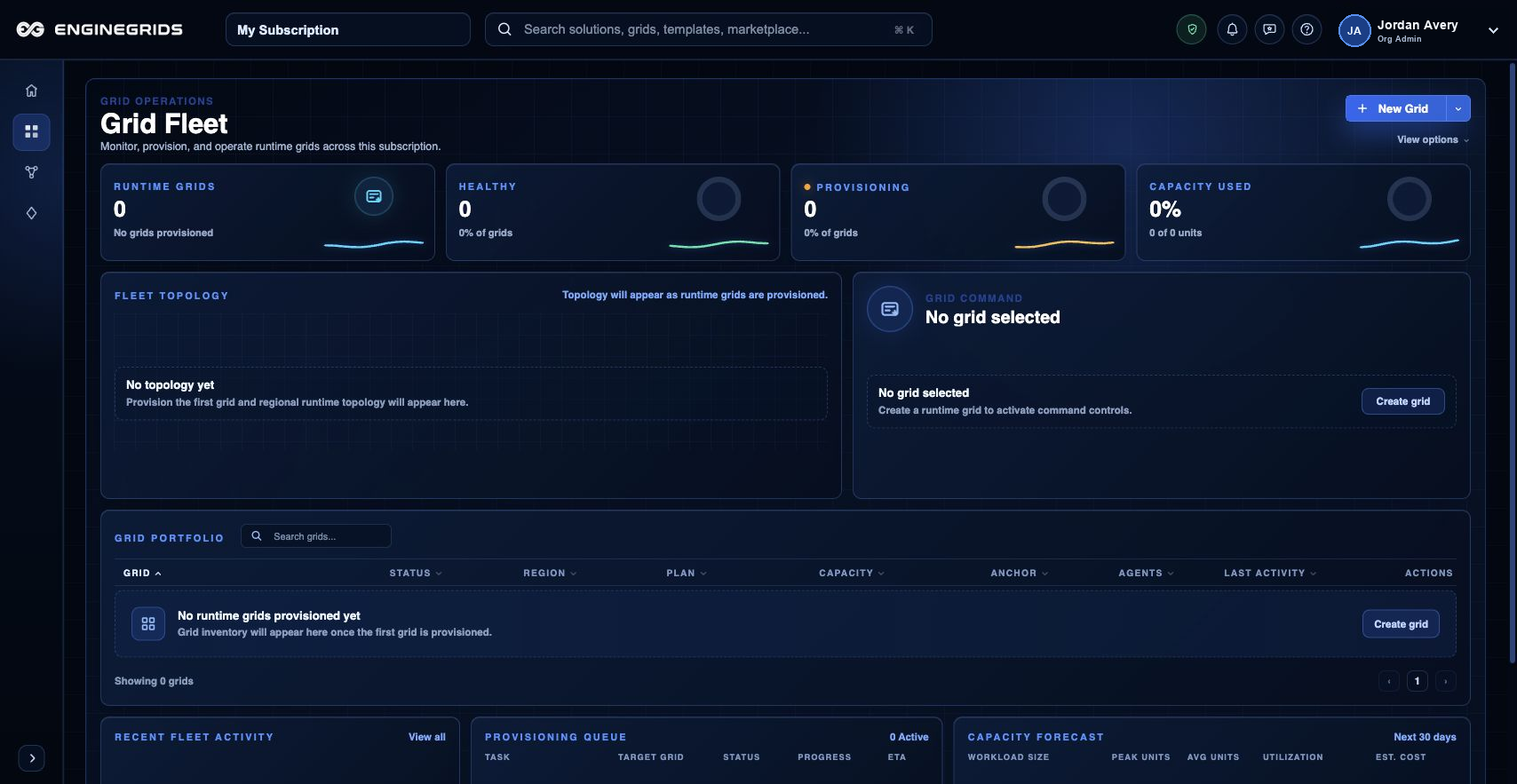
What you can do
- Review health, capacity, and runtime operation status before taking action.
- Use available controls only when the target grid and expected result are clear.
- Escalate through support if the runtime state conflicts with the expected deployment state.
Recommended workflow
- Open the grid from the workspace and navigate to runtime controls.
- Review status, health indicators, and any visible warnings.
- Run the allowed runtime action, then wait for reconciliation to complete.
- Refresh the grid state and confirm the result matches the intended operation.
Limits and expectations
- Available controls depend on grid state, role permissions, and subscription eligibility.
- Runtime operations are not instant; some actions enter a pending state while EngineGrids reconciles resources.
- Do not repeat a runtime action while a previous operation is still pending unless support instructs you to do so.
FAQ
Should I use runtime controls or redeploy from Grid Designer?
Use runtime controls for operational state changes on an existing deployed grid. Use Grid Designer when the modelled solution, topology, source, or deployment plan needs to change.
What if I cannot complete this workflow?
Confirm the active organisation, subscription, and role. If the page still does not explain the blocked state, open Support Center with the route, affected resource, expected outcome, and a screenshot that does not include secrets.