



ओवरव्यू
Runtime controls वह जगह है जहाँ customers operational health inspect करते हैं और deployed grids के लिए allowed runtime actions perform करते हैं। Correct grid select करने और current state समझने के बाद इन्हें use करें।
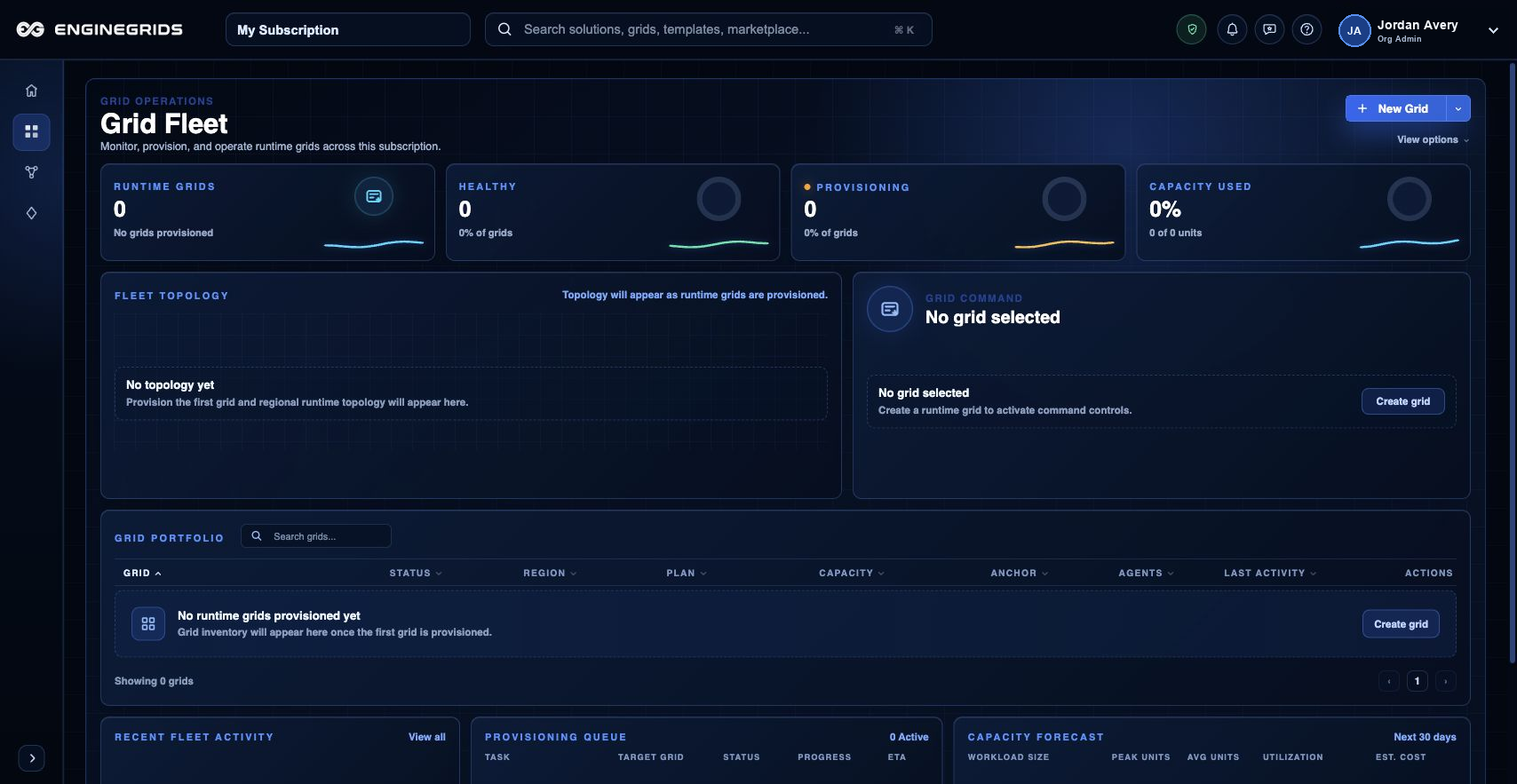
आप क्या कर सकते हैं
- Action लेने से पहले health, capacity और runtime operation status review करें.
- Available controls तभी use करें जब target grid और expected result clear हों.
- Runtime state expected deployment state से conflict करे तो support के through escalate करें.
सुझाया गया workflow
- Workspace से grid खोलें और runtime controls पर जाएँ.
- Status, health indicators और visible warnings review करें.
- Allowed runtime action run करें, फिर reconciliation complete होने का wait करें.
- Grid state refresh करें और confirm करें कि result intended operation से match करता है.
सीमाएँ और अपेक्षाएँ
- Available controls grid state, role permissions और subscription eligibility पर depend करते हैं.
- Runtime operations instant नहीं होते; कुछ actions pending state में जाते हैं जबकि EngineGrids resources reconcile करता है.
- Support instruct न करे तो previous operation pending रहते हुए runtime action repeat न करें.
FAQ
Runtime controls use करूँ या Grid Designer से redeploy करूँ?
Existing deployed grid पर operational state changes के लिए runtime controls use करें। जब modeled solution, topology, source या deployment plan बदलना हो, तब Grid Designer use करें.
अगर मैं यह workflow पूरा नहीं कर पा रहा हूँ तो क्या करूँ?
Active organization, subscription और role confirm करें। अगर page blocked state अभी भी explain नहीं करता, तो route, affected resource, expected outcome और secrets न दिखाने वाले screenshot के साथ Support Center खोलें।