



ओवरव्यू
Customer Portal से dashboard से उस work तक जाएँ जो customers सबसे ज्यादा करते हैं: solution design करना, उसे EngineGrids में deploy करना, deployed grids operate करना, Marketplace capabilities manage करना, billing review करना और attention चाहिए तो help लेना।
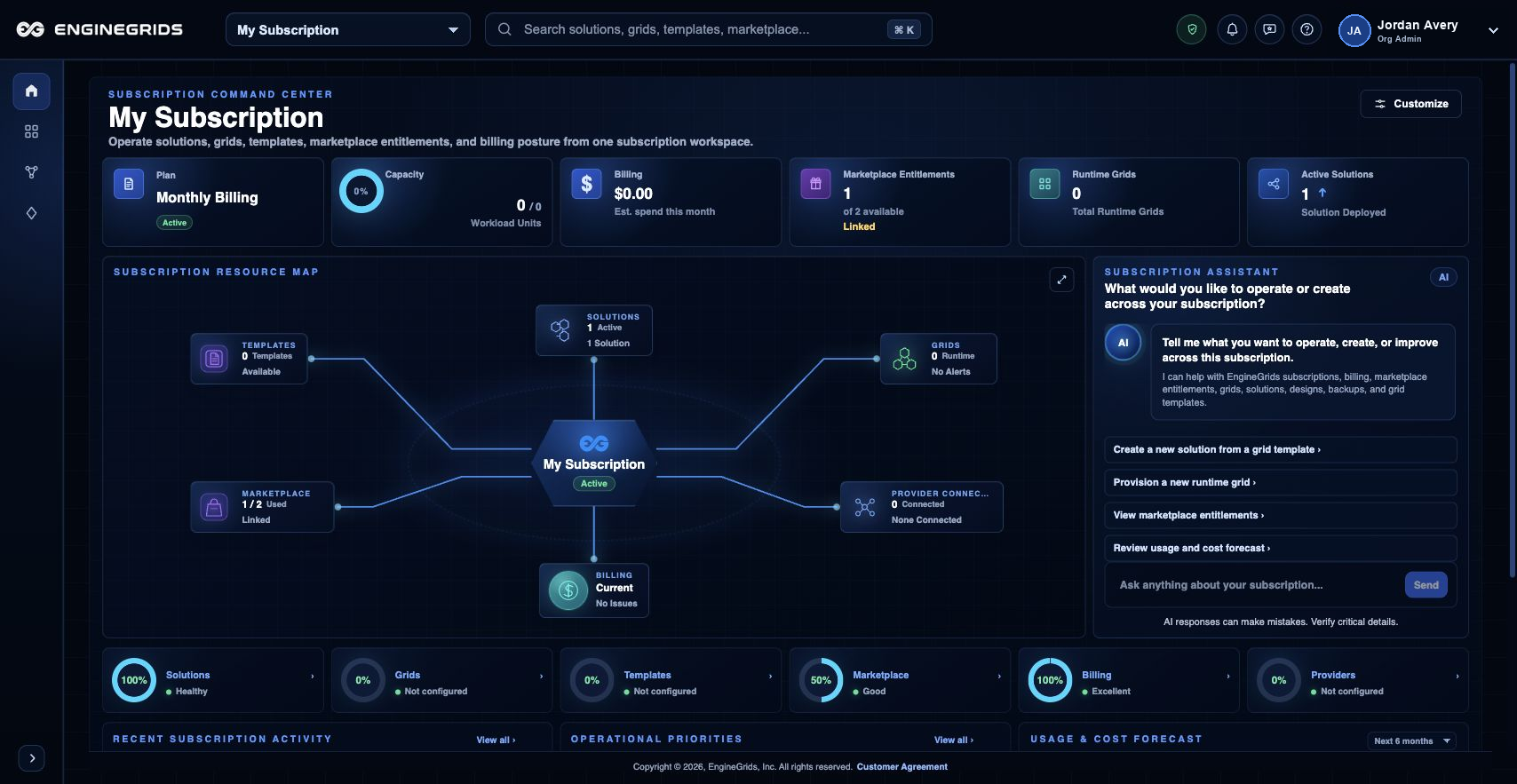
आप क्या कर सकते हैं
- Left navigation से Grids, Grid Designer, Marketplace, Billing और Support use करें.
- Identity badge से profile, settings, organization access, billing और Help use करें.
- Support ticket खोलने से पहले customer-facing workflow explain करने वाली documentation चाहिए तो Help use करें.
सुझाया गया workflow
- Dashboard से start करें और confirm करें कि active organization वही है जिसमें आप काम करना चाहते हैं.
- Modeled Grids, Workflows और Swarms के लिए Grid Designer खोलें, या simple grid के लिए basic grid wizard use करें.
- Grid या modeled solution context clear होने के बाद Marketplace और Billing use करें.
- जब visible page state next step explain न करे, तब Support Center खोलें.
सीमाएँ और अपेक्षाएँ
- Navigation और actions आपकी active organization, subscription और role permissions reflect करते हैं.
- Help canvas documentation-first है; यह incidents या account-specific billing questions के लिए support tickets replace नहीं करता.
- Help pages पर subscription selector intentionally hidden है ताकि documentation एक subscription तक scoped न हो.
FAQ
Help हर page के बजाय workflows पर focus क्यों करता है?
Customers आम तौर पर task लेकर Help में आते हैं। Help canvas अब articles को product के हर historical route को mirror करने के बजाय किए जाने वाले work के around group करता है.
अगर मैं यह workflow पूरा नहीं कर पा रहा हूँ तो क्या करूँ?
Active organization, subscription और role confirm करें। अगर page blocked state अभी भी explain नहीं करता, तो route, affected resource, expected outcome और secrets न दिखाने वाले screenshot के साथ Support Center खोलें।