



Overview
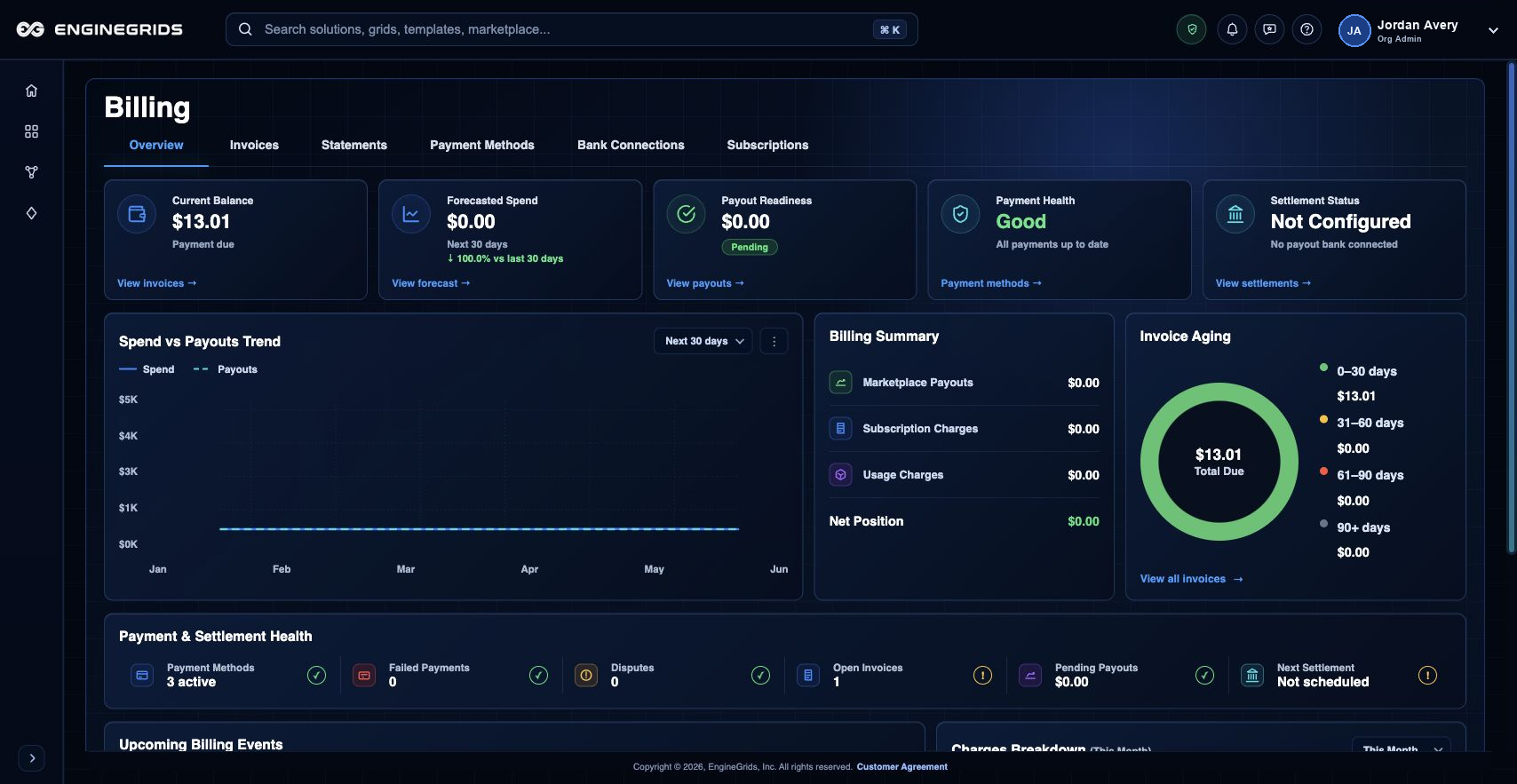
Billing gives owners and administrators a customer-facing summary of current balance, forecasted spend, invoices, payment methods, subscriptions, and marketplace payout setup. Use it before changing plan scope, attaching paid Marketplace capabilities, or publishing an offer that can generate customer payouts.
What you can do
- Use Overview to review current balance, forecasted spend, invoice state, payment readiness, and recent billing activity.
- Use Subscriptions to review active plans and subscription changes.
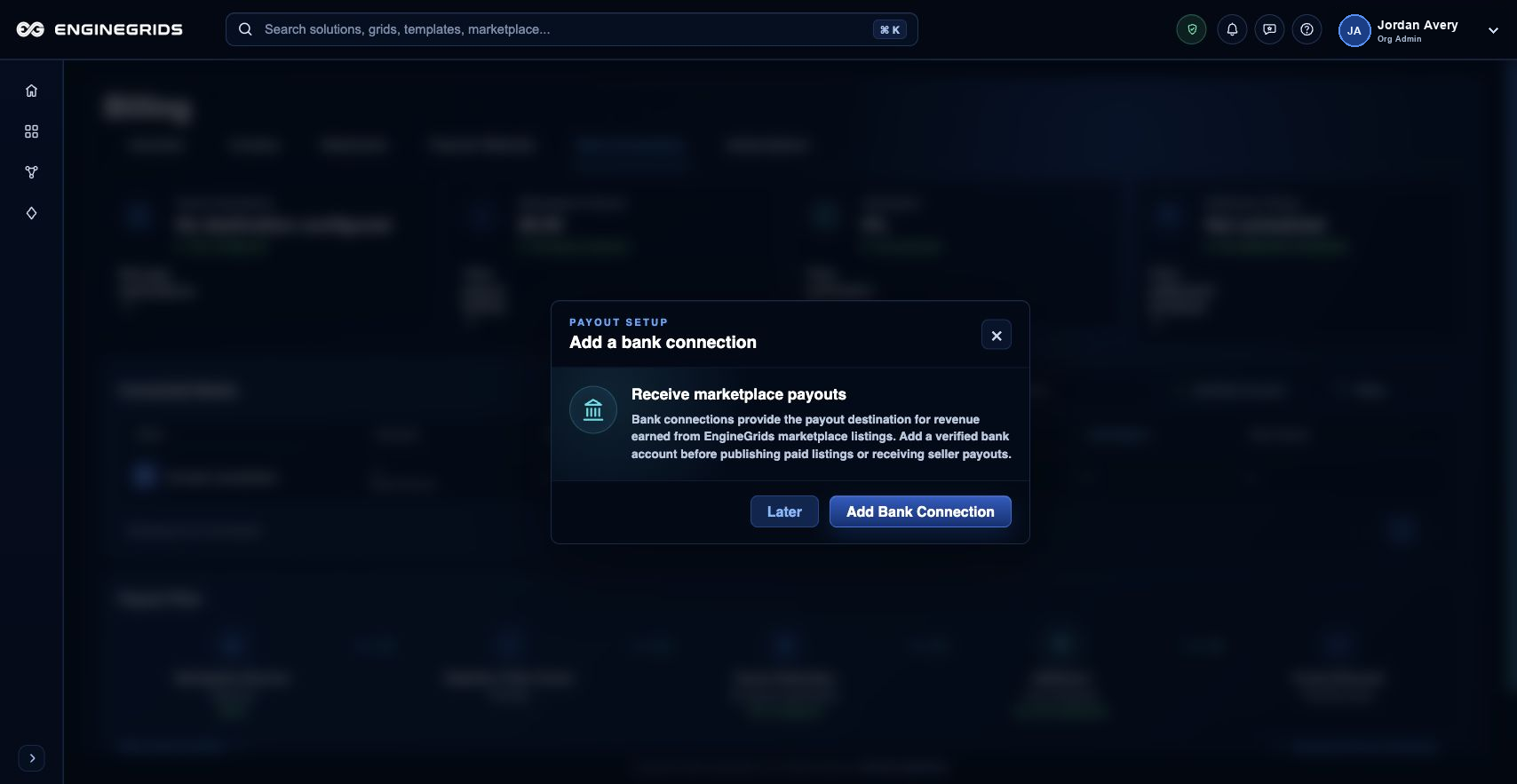
- Use Bank Connections to configure the payout destination for offers or solutions your organisation publishes in the EngineGrids Marketplace.
Recommended workflow
- Open Billing from the navigation or identity badge menu.
- Review Overview for current balance, forecasted spend, invoices, payment status, and billing activity.
- Open Subscriptions when you need to review the active plan or pending subscription changes.
- Open Bank Connections when your organisation needs to receive payouts for approved Marketplace offers or solutions.
- Follow the relevant action for payment updates, subscription changes, bank connection setup, or support.
Limits and expectations
- Billing actions require appropriate billing or organisation permissions.
- Some values can be estimates until invoice or usage data is finalised.
- Billing data applies to the active organisation and may differ across organisations.
FAQ
Why does Billing matter for grid work?
Billing controls the commercial side of EngineGrids. It shows whether subscriptions, invoices, payment methods, Marketplace purchases, and Marketplace payouts are ready for the work your organisation wants to run or sell.
What if I cannot complete this workflow?
Confirm the active organisation, subscription, and role. If the page still does not explain the blocked state, open Support Center with the route, affected resource, expected outcome, and a screenshot that does not include secrets.