



Overview
Marketplace publication starts inside Grid Designer and becomes customer-visible in the EngineGrids Marketplace. When a modelled solution is ready to be reused by other customers, use the Designer publication flow to prepare listing details, validate the model, and request EngineGrids review before the approved solution appears in Marketplace.
What you can do
- Prepare and submit modelled solutions from Grid Designer, not from a standalone agent draft.
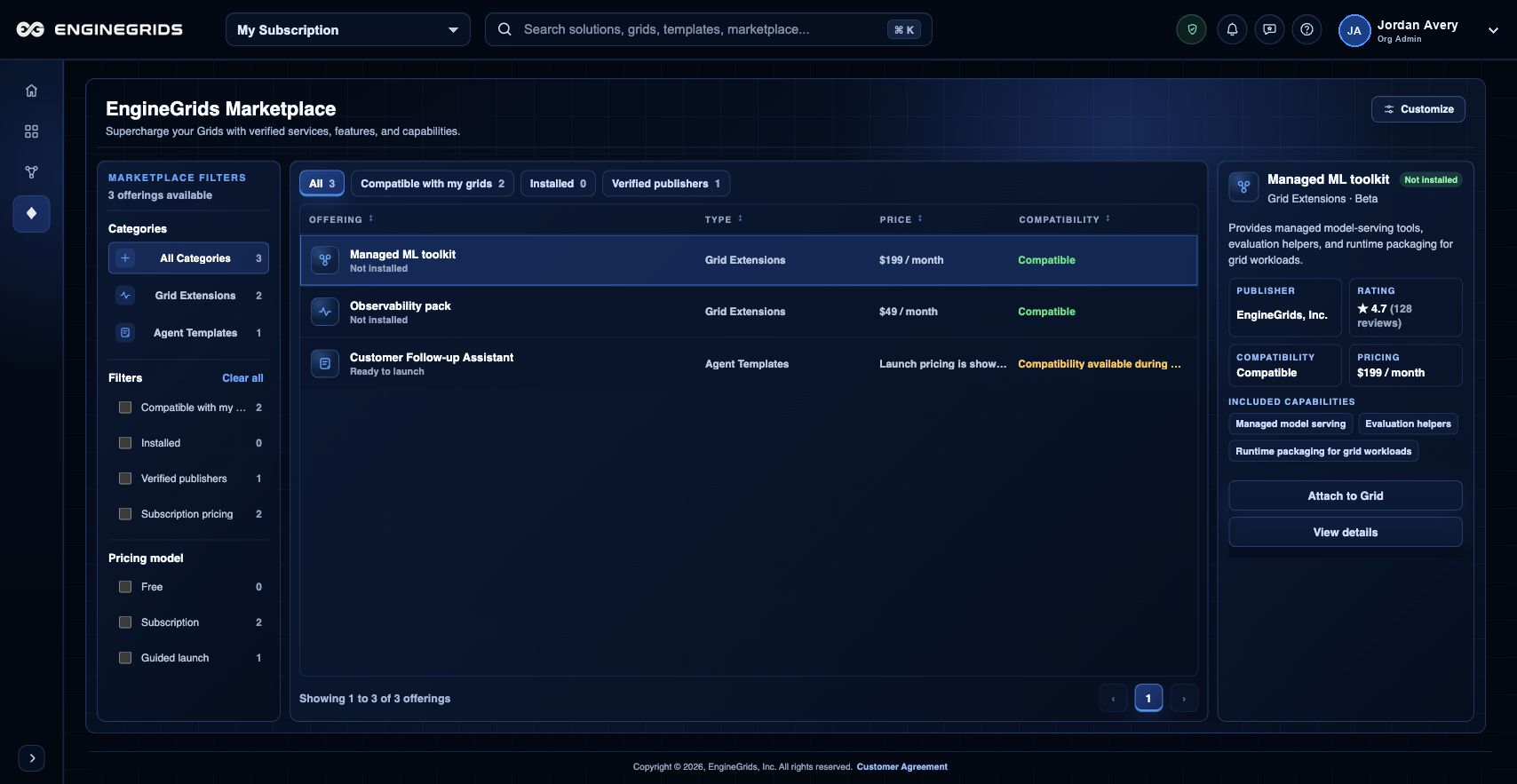
- Use the EngineGrids Marketplace canvas to review how approved offerings appear to customers.
- Prepare customer-facing listing details, setup expectations, pricing or offer terms, and support responsibilities before submission.
- Use Billing Bank Connections when your organisation needs to receive payouts for approved Marketplace offers.
Recommended workflow
- Open the solution in Grid Designer.
- Confirm the model includes the required grid, workflow, swarm, runtime, and source context.
- Run validation and resolve required deployment or marketplace readiness issues.
- Open the Marketplace publication action from the Designer menu.
- Enter listing name, summary, customer instructions, setup requirements, pricing or offer terms, and support contact details.
- Submit the publication request for EngineGrids review and watch for approval, requested changes, or rejection.
- After approval, open Marketplace to review the customer-visible listing state.
Limits and expectations
- Publication requests are reviewed before a solution appears in Marketplace.
- Secrets, private source tokens, and customer-specific runtime data are not marketplace content.
- Some modelled solutions may need packaging changes before they can be listed.
- Marketplace payouts require a configured Bank Connections destination in Billing.
FAQ
Is this the same as publishing an agent?
No. The current customer flow is centered on publishing modelled solutions from Grid Designer. Individual agent-only publication is no longer the primary customer path.
What if I cannot complete this workflow?
Confirm the active organisation, subscription, and role. If the page still does not explain the blocked state, open Support Center with the route, affected resource, expected outcome, and a screenshot that does not include secrets.