



ओवरव्यू
Marketplace publication Grid Designer के अंदर शुरू होती है और EngineGrids Marketplace में customer-visible बनती है। जब modeled solution दूसरे customers द्वारा reuse के लिए ready हो, तो listing details prepare करने, model validate करने और approved solution Marketplace में appear होने से पहले EngineGrids review request करने के लिए Designer publication flow use करें।
आप क्या कर सकते हैं
- Modeled solutions Grid Designer से prepare और submit करें, standalone agent draft से नहीं.
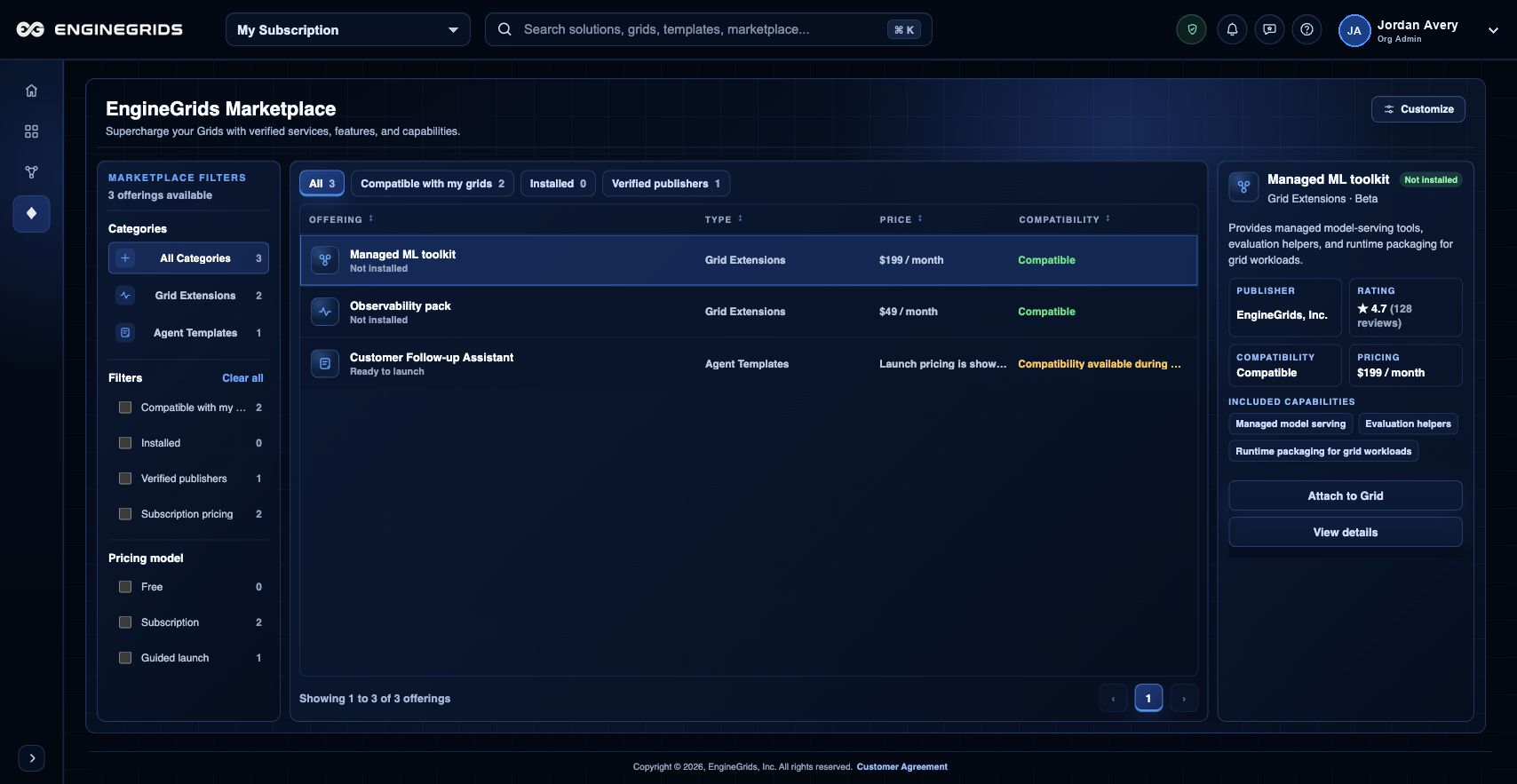
- Approved offerings customers को कैसे दिखती हैं यह review करने के लिए EngineGrids Marketplace canvas use करें.
- Submission से पहले customer-facing listing details, setup expectations, pricing या offer terms और support responsibilities prepare करें.
- Approved Marketplace offers के payouts receive करने हों तो Billing Bank Connections use करें.
सुझाया गया workflow
- Solution को Grid Designer में खोलें.
- Confirm करें कि model में required grid, workflow, swarm, runtime और source context शामिल है.
- Validation run करें और required deployment या Marketplace readiness issues resolve करें.
- Designer menu से Marketplace publication action खोलें.
- Listing name, summary, customer instructions, setup requirements, pricing या offer terms और support contact details enter करें.
- EngineGrids review के लिए publication request submit करें और approval, requested changes या rejection watch करें.
- Approval के बाद customer-visible listing state review करने के लिए Marketplace खोलें.
सीमाएँ और अपेक्षाएँ
- Solution Marketplace में appear होने से पहले publication requests reviewed होती हैं.
- Secrets, private source tokens और customer-specific runtime data Marketplace content नहीं हैं.
- कुछ modeled solutions listed होने से पहले packaging changes require कर सकते हैं.
- Marketplace payouts के लिए Billing में configured Bank Connections destination चाहिए.
FAQ
क्या यह agent publish करने जैसा ही है?
नहीं। Current customer flow Grid Designer से modeled solutions publish करने पर centered है। Individual agent-only publication अब primary customer path नहीं है.
अगर मैं यह workflow पूरा नहीं कर पा रहा हूँ तो क्या करूँ?
Active organization, subscription और role confirm करें। अगर page blocked state अभी भी explain नहीं करता, तो route, affected resource, expected outcome और secrets न दिखाने वाले screenshot के साथ Support Center खोलें।