



ओवरव्यू
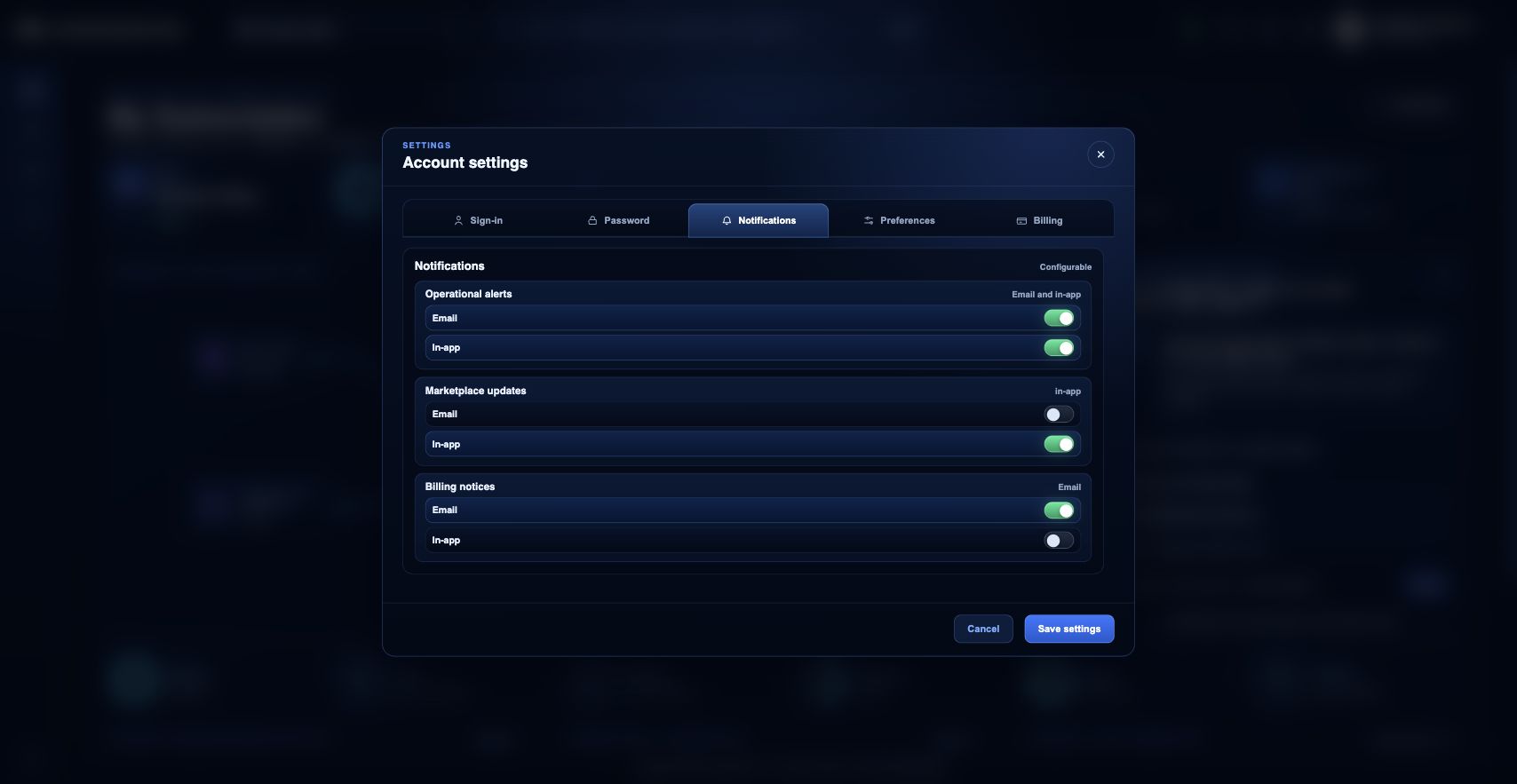
Notification preferences identity badge menu के Settings modal से manage होती हैं। Operational alerts, Marketplace updates और billing notices के लिए email और in-app delivery चुनने हेतु Notifications tab use करें।
आप क्या कर सकते हैं
- Notification categories के लिए email और in-app delivery configure करें.
- जहाँ आपकी role depend करती है वहाँ operational और billing notifications enabled रखें.
- Settings save करें और reload करके confirm करें कि preferences अभी भी applied हैं.
सुझाया गया workflow
- Top bar में identity badge menu खोलें.
- Settings चुनें, फिर Notifications tab select करें.
- हर notification type के लिए email या in-app delivery toggle करें.
- Modal footer से settings save करें.
- Saved preferences अभी भी selected हैं यह confirm करने के लिए Settings reopen करें या portal reload करें.
सीमाएँ और अपेक्षाएँ
- Marketing या operational categories कम करने पर भी कुछ security या account-critical messages भेजे जा सकते हैं.
- Preferences user-specific हैं और customer attributes के रूप में stored हैं, global system settings नहीं.
- Email delivery account से attached verified email addresses पर भी depend करती है.
FAQ
क्या notification preferences organization में shared होती हैं?
नहीं। ये user preferences हैं। हर user को अपनी operational, billing या administrative responsibilities से match करने वाले delivery options चुनने चाहिए.
अगर मैं यह workflow पूरा नहीं कर पा रहा हूँ तो क्या करूँ?
Active organization, subscription और role confirm करें। अगर page blocked state अभी भी explain नहीं करता, तो route, affected resource, expected outcome और secrets न दिखाने वाले screenshot के साथ Support Center खोलें।