



Overview
Support Center is the central place for customer help beyond documentation. Use it when the portal does not explain a blocked workflow, when a grid or add-on state looks wrong, or when billing/account context needs help from EngineGrids.
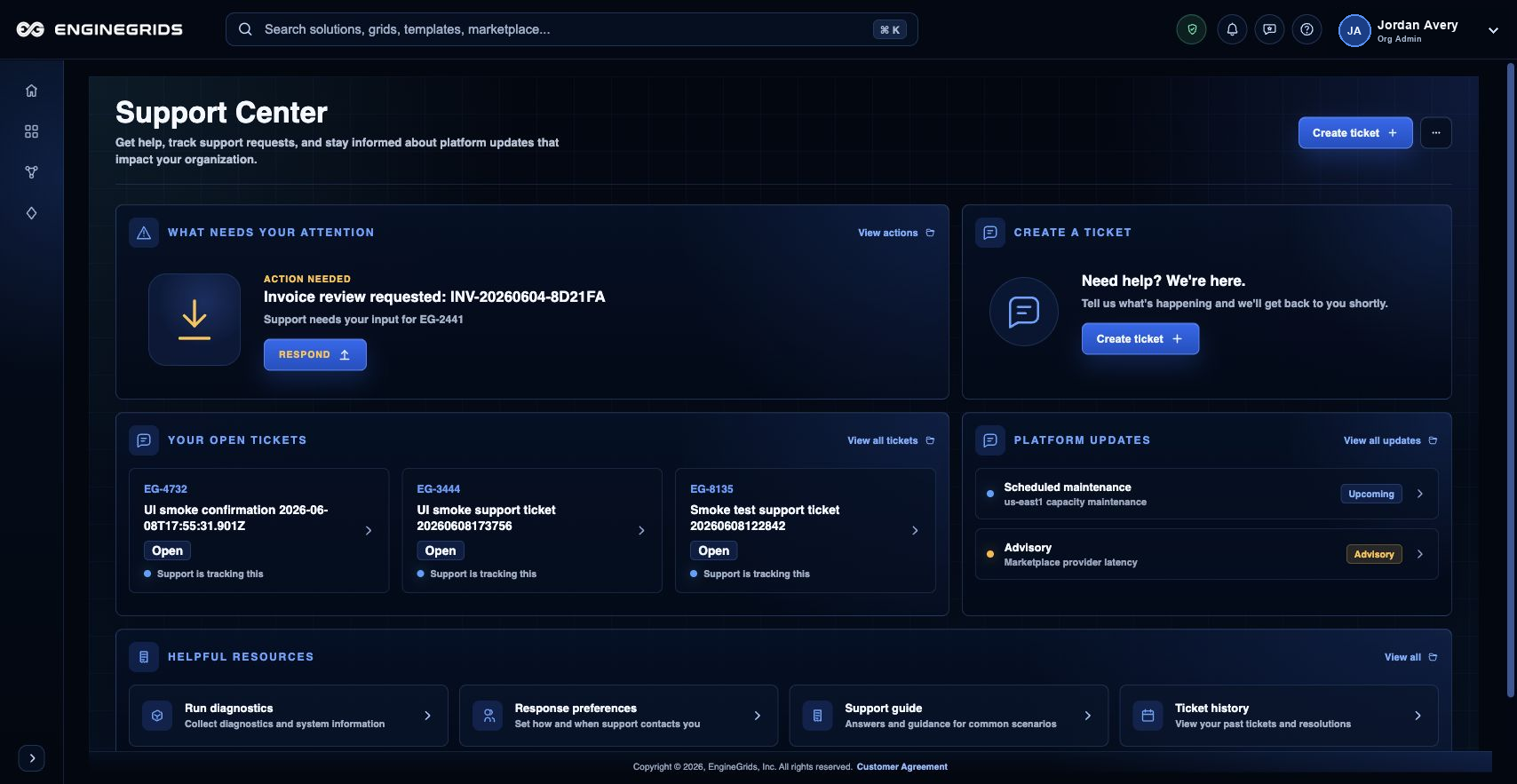
What you can do
- Search Help before opening a ticket when the issue is procedural.
- Open a support ticket with route, organization, grid, subscription, and screenshot context when available.
- Use the tickets list to track updates and customer-visible activity.
Recommended workflow
- Open Support Center from Help or the identity badge menu.
- Choose the issue type and summarize what you expected to happen.
- Include the affected grid, subscription, add-on, route, and screenshot when relevant.
- Submit the ticket, then use View tickets to follow status and responses.
Limits and expectations
- Support Center is for customer help; urgent operational procedures may require the incident path shown in the affected workflow.
- Do not include passwords, private keys, GitHub tokens, or other secrets in ticket text or screenshots.
- Typical response timing is shown in the Help panel, but specific issues can require deeper investigation.
FAQ
What information makes a support ticket useful?
Include the page route, active organization, affected grid or subscription, the action you attempted, the visible state or error, and a screenshot that does not expose secrets.
What if I cannot complete this workflow?
Confirm the active organization, subscription, and role. If the page still does not explain the blocked state, open Support Center with the route, affected resource, expected outcome, and a screenshot that does not include secrets.