



ओवरव्यू
Support Center documentation से आगे customer help की central जगह है। जब portal blocked workflow explain न करे, grid या add-on state गलत लगे, या billing/account context को EngineGrids से help चाहिए हो, तब इसे use करें।
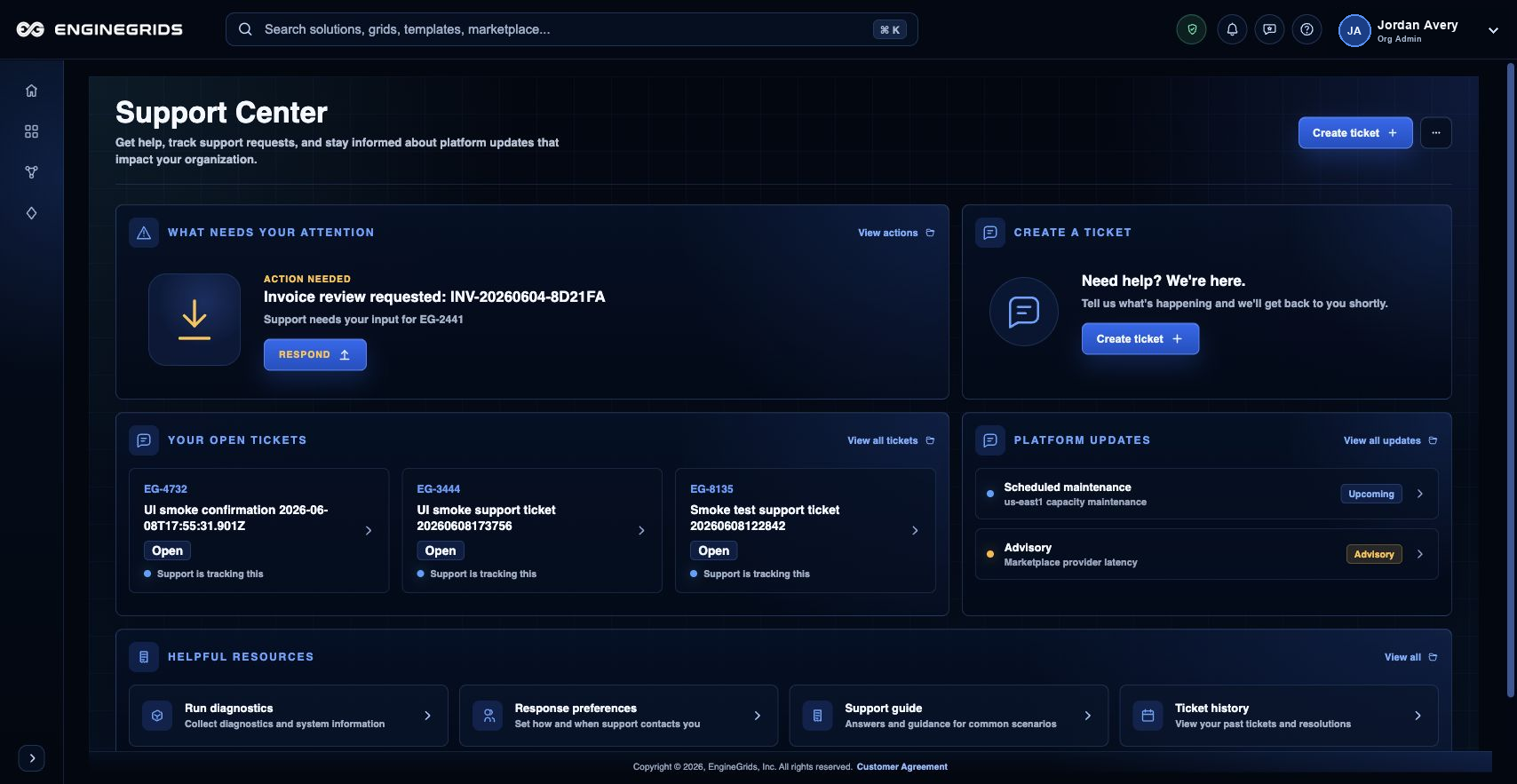
आप क्या कर सकते हैं
- Issue procedural हो तो ticket खोलने से पहले Help search करें.
- Route, organization, grid, subscription और screenshot context available हो तो उसके साथ support ticket खोलें.
- Updates और customer-visible activity track करने के लिए tickets list use करें.
सुझाया गया workflow
- Help या identity badge menu से Support Center खोलें.
- Issue type चुनें और summarize करें कि आप क्या expect कर रहे थे.
- Relevant हो तो affected grid, subscription, add-on, route और screenshot include करें.
- Ticket submit करें, फिर status और responses follow करने के लिए View tickets use करें.
सीमाएँ और अपेक्षाएँ
- Support Center customer help के लिए है; urgent operational procedures को affected workflow में दिखाए incident path की जरूरत हो सकती है.
- Ticket text या screenshots में passwords, private keys, GitHub tokens या दूसरे secrets include न करें.
- Typical response timing Help panel में shown है, लेकिन specific issues deeper investigation require कर सकते हैं.
FAQ
Support ticket को useful बनाने वाली कौन-सी information है?
Page route, active organization, affected grid या subscription, आपने जो action attempt किया, visible state या error और secrets expose न करने वाला screenshot include करें.
अगर मैं यह workflow पूरा नहीं कर पा रहा हूँ तो क्या करूँ?
Active organization, subscription और role confirm करें। अगर page blocked state अभी भी explain नहीं करता, तो route, affected resource, expected outcome और secrets न दिखाने वाले screenshot के साथ Support Center खोलें।